


 Smartphone
 Tablet
 Watch
 Music
 MacBook
 Accessories

Contents
Sooner or later, when the walk to school gets longer or all their friends are in the class chat, the question comes up: does my child need a phone of their own now? There is no age limit that suits everyone. But there are good pointers, a few clear recommendations for the device and settings that make for a relaxed start. Especially before Christmas, it is worth planning this calmly.
What age? The right questions instead of a number
More important than age is whether your child really needs a phone and can handle it. These questions help you decide:
- Does your child regularly get around on their own, for example on the way to school or to training, and do you need to be able to reach each other?
- Does your child stick to agreements, for example about screen time on the tablet or TV?
- Does your child know they can come to you about upsetting messages or images without getting into trouble?
- Are you ready to keep a close eye on things for the first few months?
If you can answer yes to most of these questions, the timing is probably right. The topic often comes up when kids move to a school further from home.
New or refurbished? For a first phone, checked and affordable is best
A first phone will get dropped now and then, end up under the books in a school bag or get lost. An expensive new device is rarely needed for that. A refurbished smartphone is checked, costs much less and comes with a 1 year warranty at remarket. What matters is that the device still gets updates, because security updates protect against risks, especially for kids.
Which model is a good fit?
- iPhone from the iPhone 11 or iPhone SE (2nd generation or newer): These models get the current iOS 27. An iPhone SE or an iPhone 13 is compact, sturdy and affordable refurbished. With Apple's Family Sharing, you can manage the device easily from your own iPhone.
- Android, for example from the Samsung Galaxy A series: Solid mid-range phones at a low price. With Google Family Link you set rules and can see which apps are being used.
- Same system as the parents: If you have an iPhone yourself, an iPhone is the easiest for your child's phone to manage. The same goes the other way round for Android.
How to set up the phone safely for your child
On the iPhone you add your child to Family Sharing as a child. You can then set the following under Screen Time:
- Downtime: for example, only allow calls and messages at night and during homework.
- App Limits: time budgets for games or social media.
- Content & Privacy Restrictions: filter content by age and block purchases.
- Ask to Buy: you have to approve every download.
- Share location: with the “Find My” app you can see where the phone is, if your child agrees.
On Android Google Family Link takes care of all this: screen time, app approval, content filters and location. Both solutions are free.
Protection for everyday life
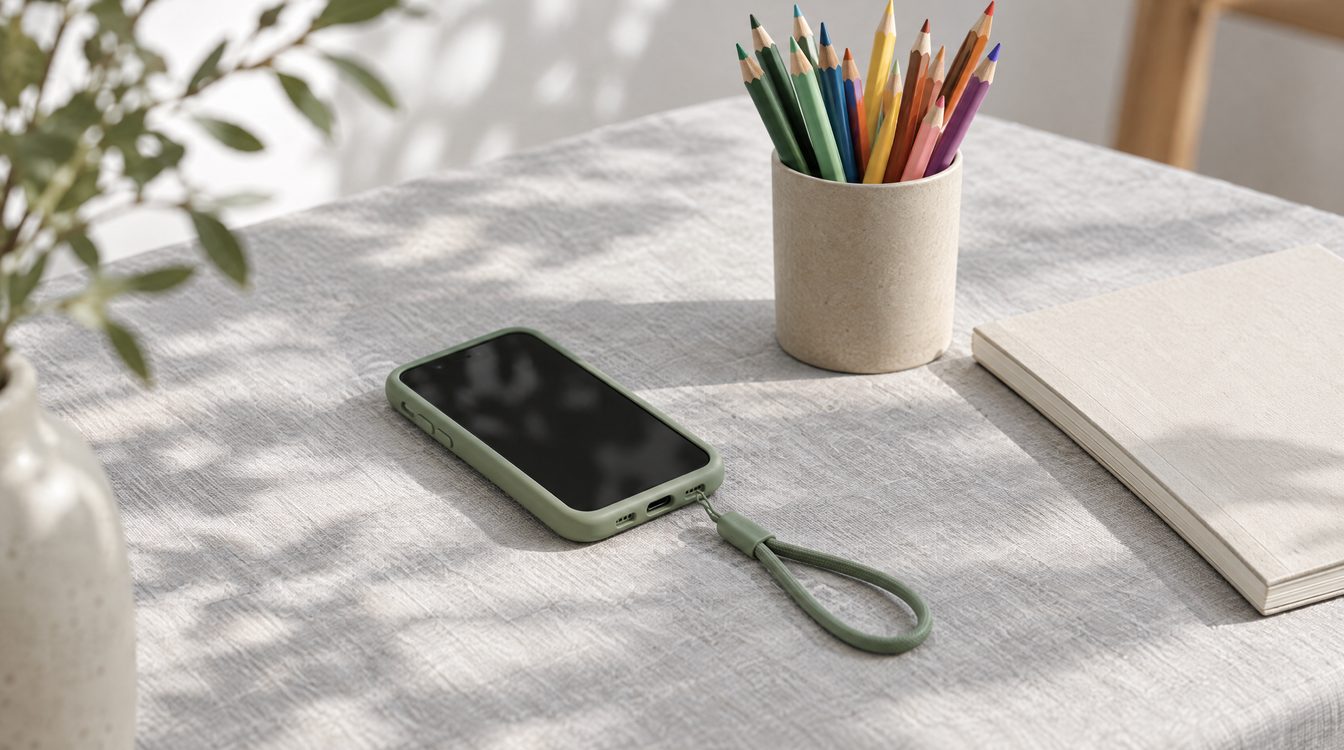
A sturdy case with a raised edge and a screen protector prevent most damage from drops. They cost little and save you a display repair if the worst happens. And if something does happen, we repair displays and batteries in our branches in Basel, Bern and Solothurn.
Agreements matter more than any app
Technical settings help, but they don't replace conversations. A short phone contract with your child works well: when and where the phone is allowed, where it stays at night, which apps are okay and what happens if something strange turns up in a chat. Set the rules together and adjust them as your child gets older.
Our verdict
For a first phone, a checked refurbished device with up-to-date software is the most sensible choice: affordable, sturdy enough and with a warranty. Set up parental controls on day one, protect the device with a case and screen protector and stay close to your child in the first few weeks. That way, the first phone gets off to a good start.
Frequently asked questions
At what age should a child get their own phone?
Which iPhone is a good first phone?
How do I set up parental controls?
Is a refurbished phone safe for kids?
Related to this article
Instant quote in 2 minutes, payout within 24 hours after inspection. Or buy certified refurbished with a 1-year warranty and 14-day returns.