
Contents
Selling a single phone is done quickly. With five or ten devices the same task soon turns into an afternoon if you go about it without a system. With the right order it stays manageable.
Step 1: take inventory before you touch anything
Set up a simple list, one line per device: model, storage size, colour, obvious damage, accessories present yes or no. You will find the model and storage in the settings under General and Info. This list is later the basis for the valuation and stops you from losing track of which device belongs to which price.
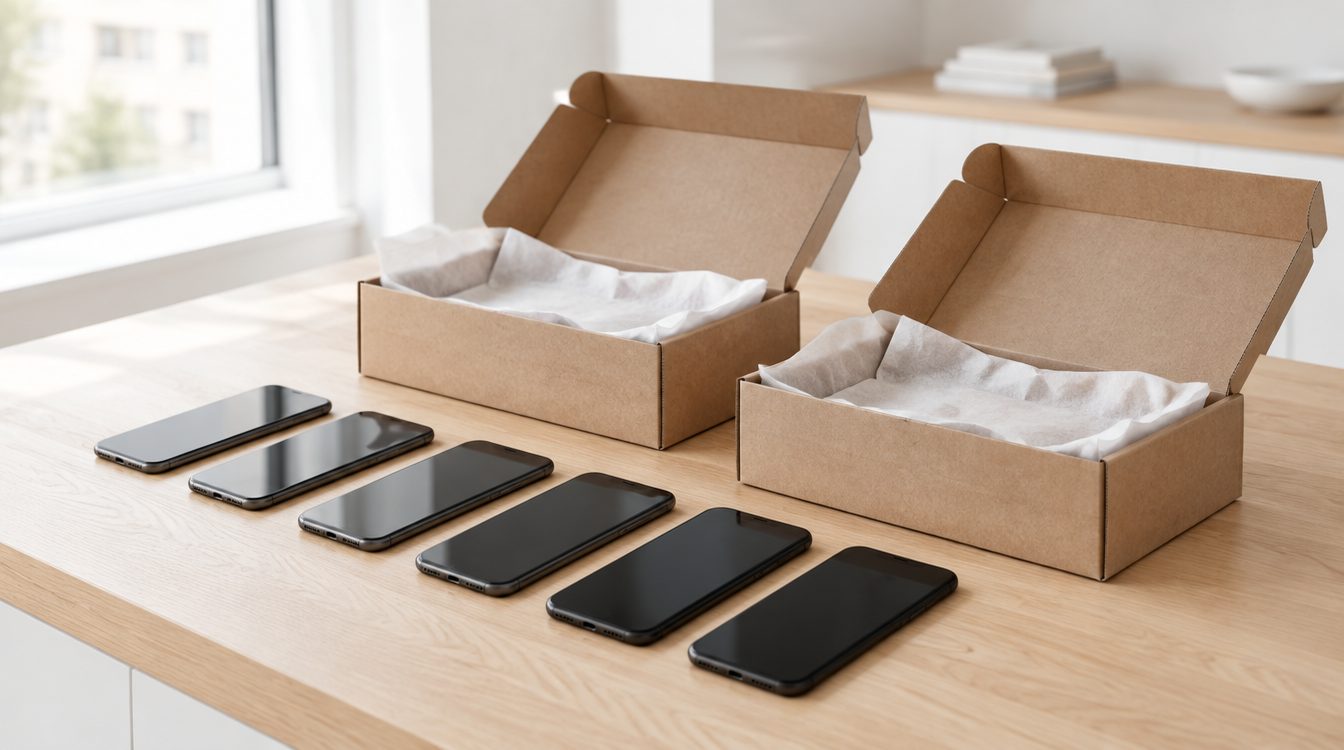
Number the devices with a sticky note. That sounds excessive and, in our experience, saves the most time.
Step 2: accounts and data, device by device
Work through each device completely before you touch the next one. The order is always the same: create a backup if any data is still needed, sign out of the account, then erase all content, then remove the SIM card. The most common mistake with several devices is erasing them all first and only then noticing that the accounts are still linked. Details on this in removing the activation lock and in the selling checklist.
With devices from a professional environment there is one more point: an employer's device management has to be removed properly, otherwise the device stays locked. This can only be resolved through the responsible department, not on the device itself.
Step 3: assess the condition honestly
Go through the list and note for each device: display cracked, housing scratched, battery weak, function limited. How the condition affects the price is explained in what is my phone still worth. A weak battery is not a problem, a broken display lowers the price but does not make the device worthless, see selling a phone despite display damage.
Step 4: bundle the accessories
Assign original boxes, cables and power adapters to their respective devices. Complete accessories have a positive effect. Whatever is left over and belongs to no device you can keep separately, a spare cable is always useful.
Step 5: value and hand in
Work out each device individually via selling. If you are buying a replacement at the same time, trade-in is the shorter route, because the amount is credited directly. Devices that really are defective and no longer usable belong at an electronic waste collection point, where take-back in Switzerland is free of charge.
Conclusion
First take inventory, then sign out and erase device by device, then value them. If you stick to that order, ten devices take barely longer than two, and none is left behind at the end because of a forgotten account lock.
Frequently asked questions
In which order should I proceed with several devices?
What do I need to watch out for with company devices?
Do I have to have every device valued individually?
What do I do with devices that nobody wants any more?
Related to this article
Instant quote in 2 minutes, payout within 24 hours after inspection. Or buy certified refurbished with a 1-year warranty and 14-day returns.