


 Smartphone
 Tablet
 Watch
 Music
 MacBook
 Accessories

Contents
Internet plans advertise ever higher figures: 100 Mbit/s, 1 Gbit/s, 10 Gbit/s. But how much do you really need? The honest answer: less than the advertising suggests, but more than many think as soon as several people are online at the same time. Here you get guideline values and a simple method for choosing the right plan.
The basic rule: simultaneous use counts
What matters is not what a single device needs, but what all devices in the household need at the same time. One film in 4K on its own is no problem. A film in the living room, two video calls in the home office, a game download and phones backing up photos in the background, that adds up.
Guideline values for everyday use
- Browsing, email, social media: needs little, any current plan will do.
- Streaming in HD: a few Mbit/s per stream.
- Streaming in 4K: depending on the service, streaming providers recommend roughly 15 to 25 Mbit/s per stream.
- Video calls: a few Mbit/s per call, but a stable upload is important.
- Gaming: When playing, low latency matters most. You mainly need speed for the large game downloads and updates.
- Cloud backups and large uploads: This is where you notice high speeds most clearly, especially on upload.
Which tier suits which household
| Household | Use | Suitable tier |
|---|---|---|
| 1 to 2 people | Browsing, streaming, occasional home office | 100 to 200 Mbit/s |
| Family | Several streams, home office, school, gaming | 200 Mbit/s to 1 Gbit/s |
| Many devices, large amounts of data | Creators, large uploads, many simultaneous downloads | 1 Gbit/s and more |
Quickline internet plans come in four tiers: 100 Mbit/s, 200 Mbit/s, 1 Gbit/s and 10 Gbit/s. Which tier is available at your address depends on the connection. You can see current prices and promotions on remarket.ch/abo. Take a close look: thanks to promotions, a higher tier sometimes costs the same as a lower one.
The underestimated bottleneck: your Wi-Fi
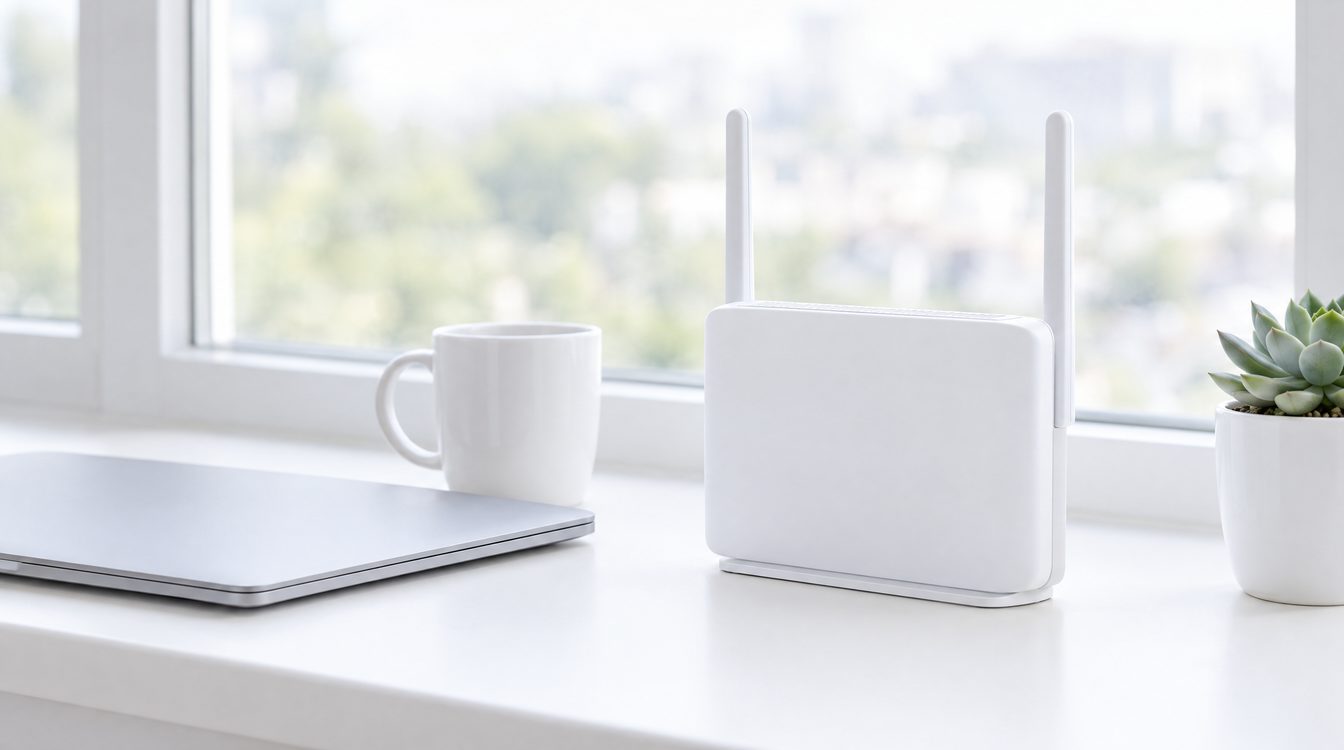
Many people pay for a fast line and still do not get the speed on their phone. The reason almost always lies in the Wi-Fi, not the connection. Thick walls, distance from the router and older devices slow things down a lot. A few tips:
- Place the router centrally: free-standing, not in a cupboard and not in a corner.
- Cable for stationary devices: TV box, games console and desktop computer are best connected by network cable.
- Large flat: mesh access points spread the Wi-Fi evenly.
- Check your devices: An older phone or laptop does not reach the same values over Wi-Fi as a current device.
What 10 Gbit/s brings, and what it doesn't
The top tier is mainly worth it for households with a lot of simultaneous users or large amounts of data. A single device only reaches these values via cable and with a suitable network port. Over Wi-Fi, each device gets less. The benefit shows in many devices being fast at the same time without slowing each other down.
Our tip
Count the people and the simultaneous streams and calls at peak time in the evening. If you are clearly in the family range, take one tier more than strictly necessary. The plan runs for years, and the number of devices in a household tends to grow rather than shrink. If you add TV, the Internet & TV bundle is often worth it. And if you are unsure: in our stores in Basel, Egerkingen and Schönbühl we will advise you in person.
Frequently asked questions
Is 100 Mbit/s enough for a household?
How much speed do I need for 4K streaming?
Why is my internet slower over Wi-Fi than the speed I booked?
When is 10 Gbit/s worth it?
Is Quickline internet available at my address?
Related to this article
Instant quote in 2 minutes, payout within 24 hours after inspection. Or buy certified refurbished with a 1-year warranty and 14-day returns.