
Contents
When nobody can understand a word on a call, or music suddenly sounds tinny, the hardware is not necessarily broken. Modern phones have several speakers and usually three microphones, and the source of the fault is often somewhere else entirely.
First: the most common harmless causes
- Bluetooth: the phone is still sending the audio to headphones, to the car or to a speaker in the next room. Switch Bluetooth off briefly and test again.
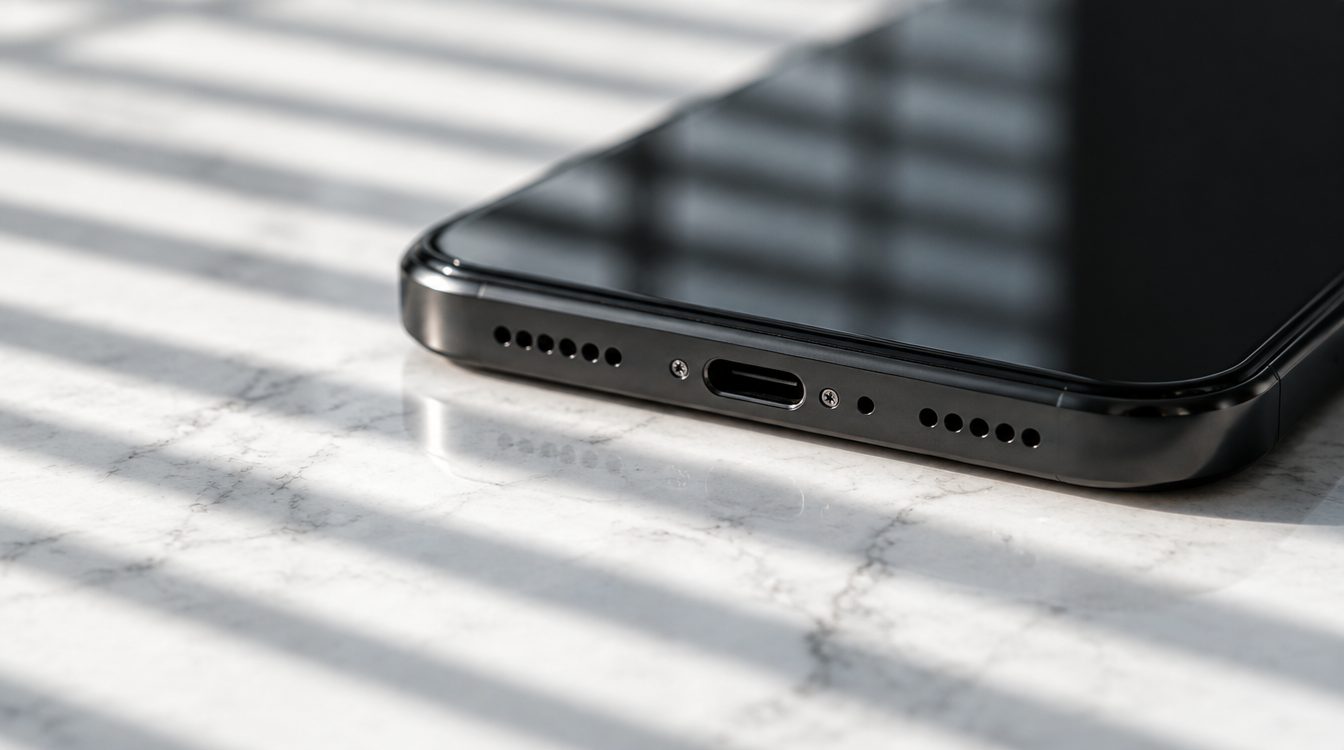
- Dirt: the earpiece and the speaker grilles clog up with dust, textile lint and make-up. That is by far the most common cause of quiet sound.
- Case: some cases cover the bottom microphone or narrow the speaker opening.
- Silent mode and volume profile: it sounds banal, but it is surprisingly often the explanation, especially after an update.
How to test methodically
- Earpiece: call someone and hold the phone to your ear. No sound, but it works on speaker? Then the earpiece is the problem.
- Main speaker: play music without headphones. Only one channel, a tinny sound or far too little volume points to a clogged or faulty module.
- Microphones one by one: record a voice memo, that uses the bottom microphone. Then record a video with the rear camera, that uses a different one. If one sounds good and the other does not, you have narrowed the fault down.
- Speaker test during a call: switch to hands-free during a call. If it works there, the bottom microphone is doing its job.
Clean carefully
Use a soft, dry brush and work with the device pointing downwards, so that crumbs fall out. What you should not do: poke around with a needle or a paperclip, that destroys the fine mesh and pushes dirt into the module. Compressed air from a can is not a good idea either, it forces particles inwards. How to go about it with earphones is described in our post on cleaning AirPods, the principle is the same.
When water was involved
After contact with water the speaker often sounds muffled, because liquid is sitting in the module. Sometimes it dries out, but corrosion frequently remains and the damage shows up weeks later. If your phone got wet, professional treatment is worth considerably more than waiting.
When it belongs in the workshop
If the problem persists after cleaning, a restart and the Bluetooth test, the module is faulty. Speakers and microphones can be replaced individually, that is a manageable repair and no reason for a new device. You will find an overview of all services under Repairs.
Conclusion
Check in this order: Bluetooth, case, dirt, then the individual modules with a voice memo and a video. That clears up most cases on your own, and if the hardware really is faulty, you will know exactly which part when you visit the workshop.
Frequently asked questions
Why can the other person not understand me?
How do I clean the speaker grille safely?
Can individual speakers be replaced?
My speaker has sounded muffled since it got wet, will that go away?
Related to this article
Instant quote in 2 minutes, payout within 24 hours after inspection. Or buy certified refurbished with a 1-year warranty and 14-day returns.