


 Smartphone
 Tablet
 Watch
 Music
 MacBook
 Accessories

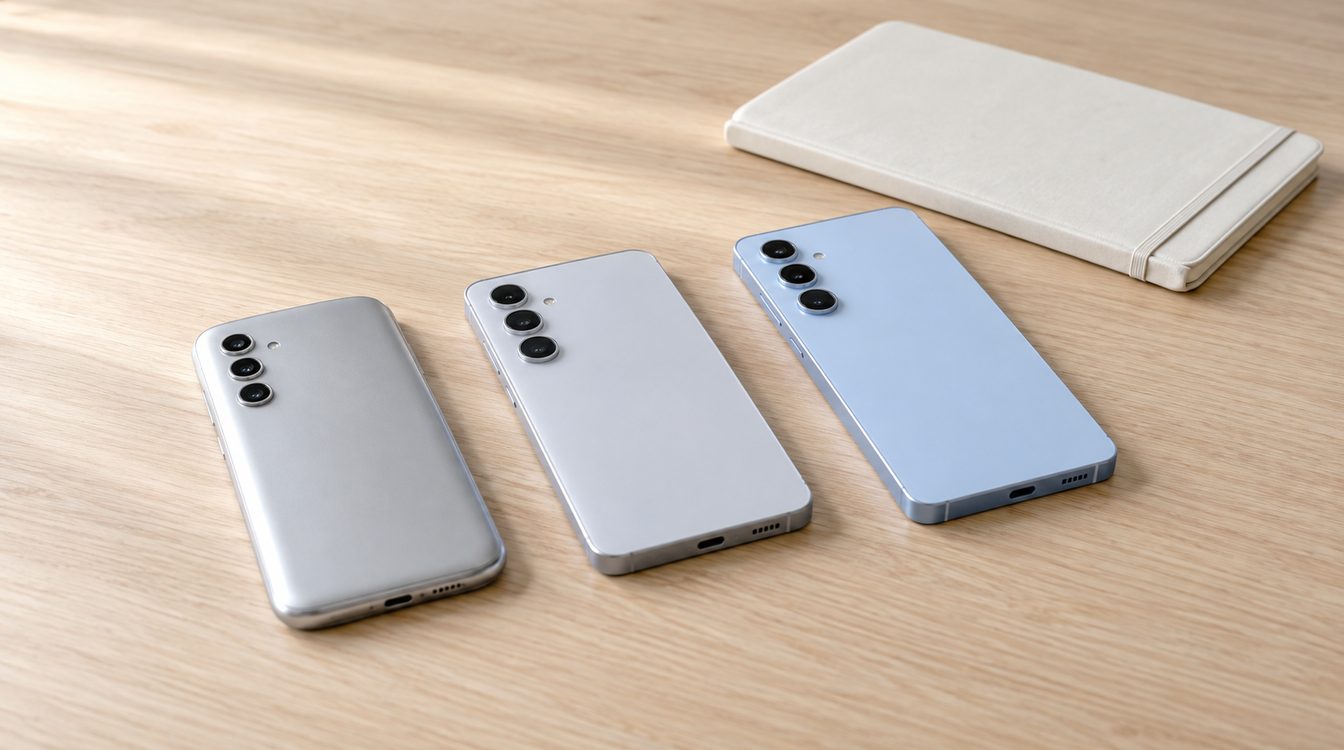
There is no single answer for how long every Samsung Galaxy gets updates. Samsung publishes a changing list with monthly, quarterly and other update categories. On 8 October 2026, the monthly list includes the S23, S24, S25 and S26 series. The S22 series is listed quarterly. This describes the current cadence, not a promised end date.
At this snapshot, A54, A55, A56 and A57 are listed as Enterprise Models; do not apply this entry automatically to consumer variants.
Key takeaways
- Samsung reviews the list periodically as support periods expire.
- A monthly schedule does not mean every region receives an update on the same day.
- Samsung may state longer support periods for selected recent models. Use the commitment for the exact model and market.
- Android and One UI upgrades are different from security updates.
Examples from Samsung’s current security list
| Model group | Listed on 8 Oct 2026 | What it tells you |
|---|---|---|
| Galaxy S26, S25, S24, S23 | Monthly security updates | More frequent planned releases, actual delivery may vary |
| Galaxy S22 | Quarterly security updates | The model is no longer in the monthly group |
| Galaxy A54, A55, A56, A57 (Enterprise Models) | Monthly security updates | Selected A models follow this cadence |
| Galaxy A17, A36, A37 | Quarterly security updates | The series name alone does not set the category |
The list describes security updates, not a full schedule for every Android version. Samsung says its security updates address Android vulnerabilities as well as Samsung-specific issues. Availability and timing can vary by model, region and carrier. Before buying or continuing to use an older phone, check Samsung’s current Security Scope instead of estimating remaining years from a model name.
Check your own Galaxy
- Note the exact model name and number in device information.
- Look both up on Samsung support and update pages.
- Check whether the phone appears monthly, quarterly or no longer appears.
- Check update settings regularly. Region and carrier may affect timing.
- Do not assume a fixed support end date unless Samsung states one for your model.
An older phone may still work for everyday tasks, but missing security patches change the calculation for banking, work and stored accounts. If yours is no longer listed, check Samsung’s model notices, keep backups and plan your next step based on your use. Our guide to choosing a Galaxy helps compare models. Also see the Galaxy S22 review, S25 Ultra guide and A-series comparison. iPhone users can read our iOS update overview. Browse Samsung Galaxy phones or sell an old phone.
Conclusion
Ask not only how many years remain, but whether your exact model is still in Samsung’s changing security list and how often it is scheduled for updates. Recheck the manufacturer page before buying. A cadence is not an exact release promise and does not by itself set an end date.
Frequently asked questions
Do all Samsung Galaxy phones get seven years of updates?
Does the Galaxy S22 still get monthly updates?
What is the difference between an Android upgrade and a security update?
Why is my Galaxy update late?
Is an older Galaxy unusable without current updates?
Related to this article
Instant quote in 2 minutes, payout within 24 hours after inspection. Or buy certified refurbished with a 1-year warranty and 14-day returns.