


 Smartphone
 Tablet
 Watch
 Music
 MacBook
 Accessories

Contents
A refurbished condition grade mainly helps you understand a device’s visible appearance. It does not replace the description or photos for the specific offer. Check the product page for your chosen device, and read battery, included-items and purchase terms separately.
Key takeaways
- Labels such as “like new”, “slight signs of use” or “fair” describe appearance according to that seller’s definitions.
- Do not rely on one word alone. Read the seller’s explanation and check whether images show the specific device or examples of typical wear.
- Appearance, battery, storage and accessories are separate details. Do not infer one from another.
- Warranty and return terms are set out in the current purchase conditions and product page.
Separate condition from product details
| Detail | What it tells you | What to check |
|---|---|---|
| Cosmetic grade | Groups visible marks according to the shop’s definition. | Description and any example images or device photos. |
| Battery information | Provides separate information if it appears on that specific listing. | Measurement, value and explanation on the exact product page. |
| Technical details | Describe model, storage and connectivity. | Exact variant, not just the product family. |
| What's included | Lists the accessories supplied. | Each item stated explicitly; do not infer accessories from a photo. |
The published condition grades
remarket.ch’s public condition guide describes appearance as follows. A specific product gallery can show example photos or pictures of the individual unit. Check the caption on the listing.
| Label | Published appearance description | How to read photos |
|---|---|---|
| New in original packaging | Unopened in its original packaging. | Check the packaging and listing description. |
| New with film | Unboxed but unused, with the protective film still on. | Check the included items and the film note on the listing. |
| Like new | Used, with no visible signs of use. | Example photos show a typical grade unless labelled as photos of the specific unit. |
| Light signs of use | Fine scratches, usually on the frame or back. The published description says the display is flawless. | Enlarge well-lit images and distinguish unit photos from examples. |
| Fair | Visible signs of use. | Read the description and detail photos for the actual listing. |
These limits describe the published cosmetic grading. Battery information, accessories and unit-specific details appear separately on the listing. For a related check, read our fact check of common refurbished myths.
What do common labels mean?
“Like new” usually suggests especially clean appearance. “Slight signs of use” signals that small visible marks may be present. A label such as “fair” may indicate more noticeable wear. The seller sets the exact boundaries. Compare the definition attached to the offer instead of assuming that labels mean the same thing across shops.
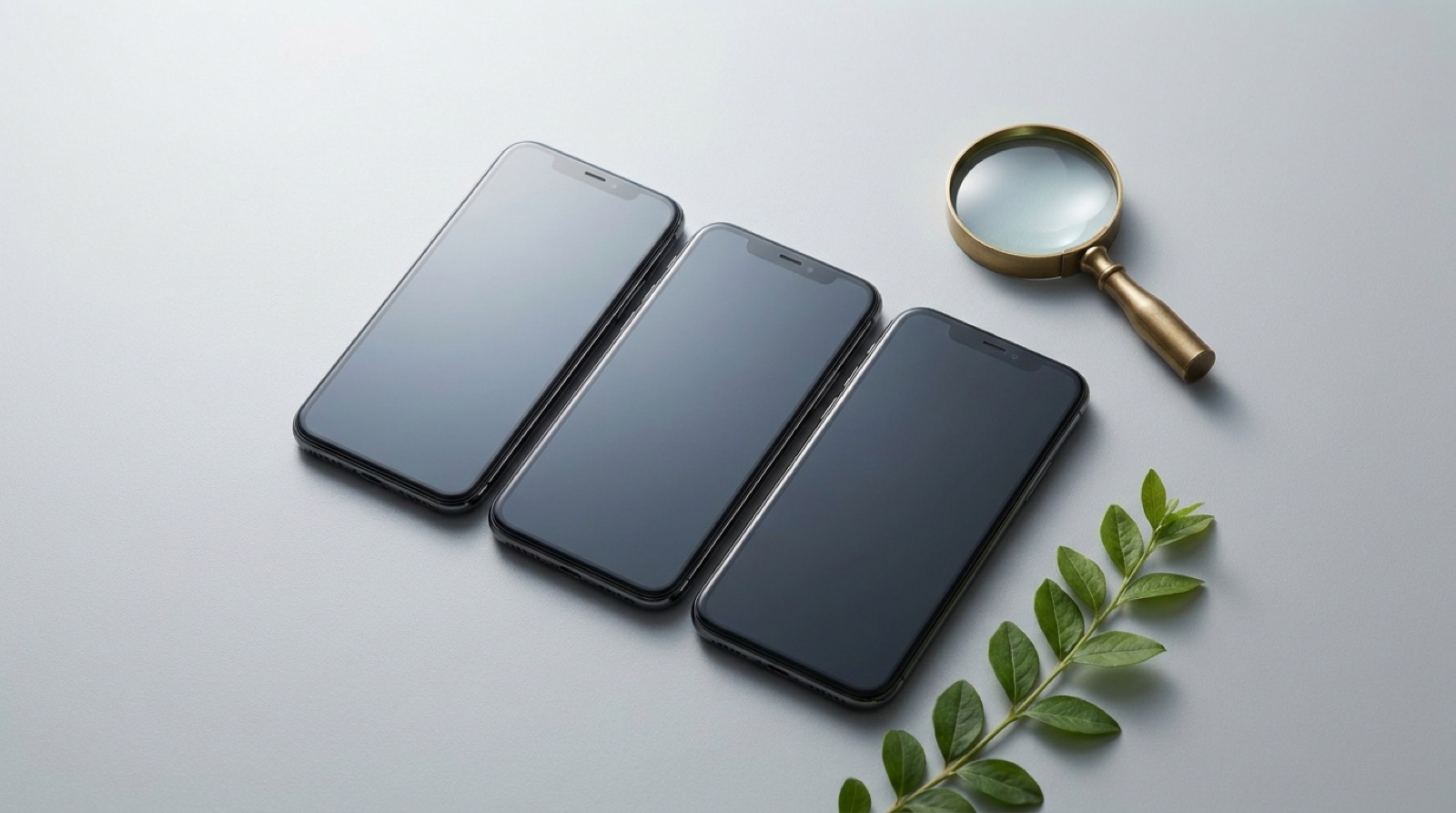
Photos can help, but read their captions: some show the individual device, while others illustrate typical marks for a grade. If the gallery offers zoom, inspect the frame, back and display. Reflections or fine scratches may not be obvious in a photo, so read the accompanying text too. The remarket.ch quality and testing page explains the information published by the shop. Details for a specific device remain on its own listing.
Assess battery, function and condition separately
A cosmetic grade does not automatically tell you how long a battery will last in daily use or which accessories are included. If a listing shows a battery value, read it as separate information and follow the explanation on that page. A percentage does not guarantee a specific runtime: usage, settings and apps affect how often you need to charge. If a detail is missing, do not infer it from the cosmetic grade; ask before buying.
For function and purchase protections, rely on the written product and purchase terms. Our pages on warranty and buyer protection and warranty for refurbished devices explain the applicable conditions. The guide what “refurbished” means gives context, while outlet and B-grade products explains related labels.
Before-you-buy checklist
- Does the model name match, including storage and wireless version?
- Does the shop explain the condition grade?
- Do the images show this device or an example?
- Are the display, frame and back described or pictured?
- Is a battery value explicitly provided and explained?
- Is the included content listed in full?
- Have you read the current warranty and return terms?
Use smartphone model filters to compare devices. Our guide to buying a used phone in Switzerland offers additional checks. If you want to pass on an old phone, start at sell your phone. A grade is most useful when considered alongside the exact listing details. Choose based on the visible marks and the information that matters for your routine, not on a label alone.
Frequently asked questions
Does “like new” describe battery condition?
Are condition labels identical at every shop?
Do product photos always show the exact device for sale?
Can I infer which accessories are included from a grade?
What if an important detail is missing?
Related to this article
Instant quote in 2 minutes, payout within 24 hours after inspection. Or buy certified refurbished with a 1-year warranty and 14-day returns.