
Contents
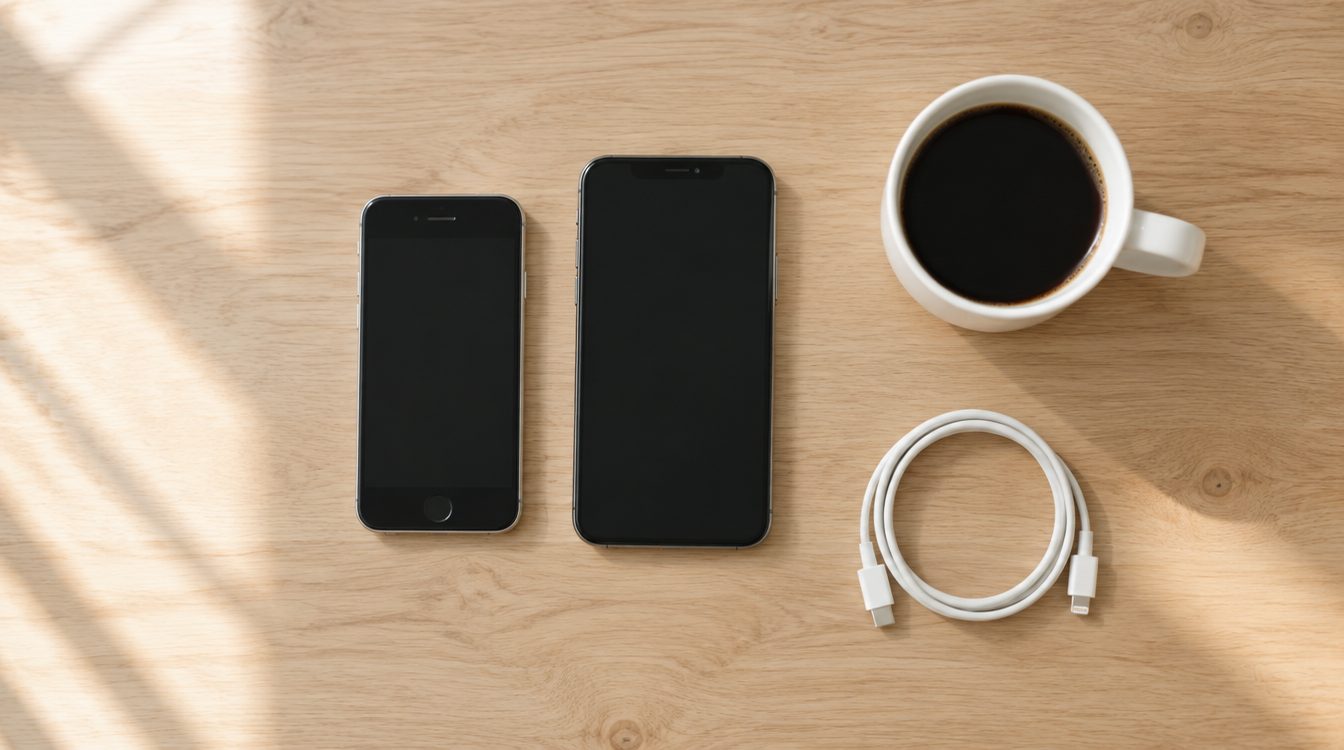
Your refurbished iPhone has arrived, and now photos, chats and apps should move over as painlessly as possible. The good news: Apple has made switching devices easier than ever. Follow this order and you will be up and running in under an hour, with no nasty surprises.
Preparation on the old iPhone
- Create a backup: Settings, your name, iCloud, iCloud Backup, Back Up Now. Alternatively on a computer via Finder or iTunes; the local backup is faster with large amounts of data.
- Install updates: Both devices should ideally be on the same iOS version; this avoids interruptions during the transfer.
- Have your Apple ID access ready: Keep your password and the old device at hand for confirmation codes.
The transfer: Quick Start does the work
Switch on the new iPhone and place it next to the old one: the Quick Start dialog appears automatically. Point the old camera at the pattern on the new device, then you can transfer directly from device to device, no cable, no forced cloud. Depending on the amount of data, the transfer takes 20 to 60 minutes; keep both devices plugged in during it. Afterwards your apps install automatically from the App Store.
The classic pitfalls
- WhatsApp: Moves over automatically with the iPhone-to-iPhone transfer via Quick Start, chats included. Check after the transfer that your history is there before you erase the old device.
- Banking and TWINT apps: The device pairing has to be reactivated on the new device; have contract numbers or activation letters ready.
- Two-factor apps: Transfer authenticator apps BEFORE erasing the old device, otherwise you will lock yourself out of accounts.
- eSIM: With many providers, the eSIM can be brought along directly during Quick Start; otherwise transfer it to the new device quickly in your provider's customer portal.
If you would rather not do the move yourself
No time, unsure, or the old device is acting up? Our repair shop handles the complete data transfer: we move photos, contacts, chats and apps to the new device while you have a coffee, in Basel, Bern and Solothurn.
Afterwards: turn the old iPhone into cash
Once everything runs on the new device, turn the old one into money: first erase it properly (our checklist walks you through every step), then lock in your instant price at remarket.ch/verkaufen, with express payout within 24 hours of the inspection.
Frequently asked questions
How long does the iPhone transfer take?
Do WhatsApp chats move over automatically?
Do I need an iCloud subscription for the transfer?
Can remarket.ch do the transfer for me?
Related to this article
Instant quote in 2 minutes, payout within 24 hours after inspection. Or buy certified refurbished with a 1-year warranty and 14-day returns.