
Contents
Switching systems is considerably easier today than it was a few years ago, because both sides offer transfer tools. Even so, there are three things you should sort out beforehand, otherwise you notice weeks later that something is missing.
Beforehand: the three important preparations
- Secure your two factor codes. This is the point where most people come unstuck. Authenticator apps do not move across automatically. Export your codes or set the accounts up again in parallel on the new device while you still have access to the old one.
- Prepare your messaging apps. Chat histories from messengers do not travel along automatically. Most services now offer their own transfer function, which you have to start before you reset the old device.
- Check what you have purchased. Paid apps and in-app purchases are tied to the respective store and cannot be transferred. Make a short list so that you know what you have to buy again.
The move itself
Apple offers an app for Android that handles the move during the initial setup of the iPhone. Important: it only works while the iPhone has not been set up yet. If it already has been, you have to reset it in order to use the transfer.
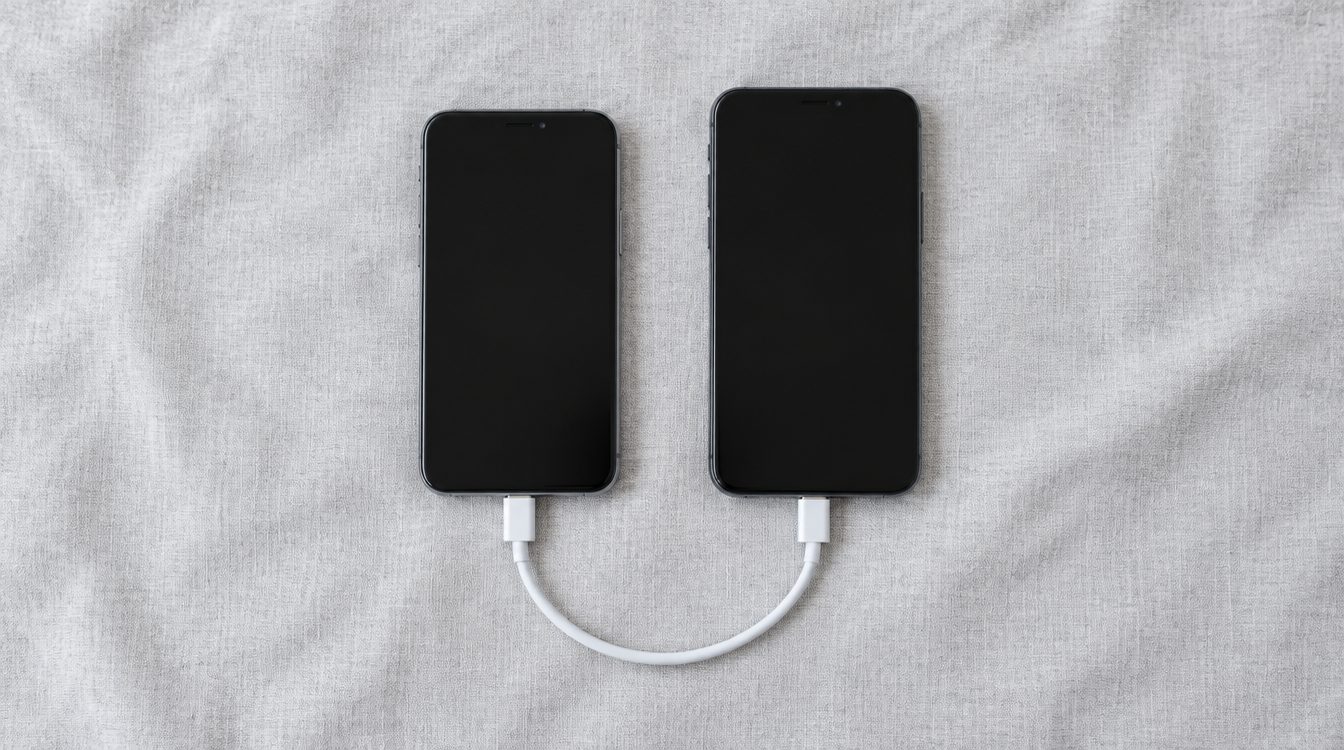
What usually gets transferred are contacts, the SMS message history, photos and videos, calendars, mail accounts and bookmarks. Both devices should be plugged in and on the same WLAN, and you need enough free storage on the iPhone.
What definitely does not come along
- Purchased apps and in-app purchases.
- Passwords from some password managers, unless you use a cross-platform service.
- Individual settings, widgets and the home screen layout.
- Chat histories, if you did not use the transfer function of the respective messenger.
After the move: check first, erase later
Keep the old device for a few days until you are sure that everything is there. Only then reset it. After that: sign out of the account, erase all content, remove the SIM. The order matters, more on this in removing the activation lock and in the selling checklist.
And then?
Your Android device is still worth money, and that value falls every month. You can sell it or trade it in directly against your purchase. If you are still looking for the right iPhone, our iPhone buying guide helps, and you will find the selection under refurbished iPhone.
Conclusion
Secure your two factor codes first and start the messenger transfer, the migration app takes care of everything else during the initial setup. And only erase the old device once you have used the new one in everyday life for a few days.
Frequently asked questions
Do my WhatsApp chats come along?
Can I transfer purchased apps?
What about my two factor codes?
Does the iPhone have to be new for the transfer?
Related to this article
Instant quote in 2 minutes, payout within 24 hours after inspection. Or buy certified refurbished with a 1-year warranty and 14-day returns.